go card top ups unavailable
Due to an outage impacting our go card and ticketing systems, you won't be able to top up your go card using our fare machines or ticketing offices at stations.
You'll still be able to tap on and off using your go card if you have an existing balance on your card. We're working to fix this outage as soon as possible.
Visit our webpage for more information and available top up options.
Scam text messages
We are aware that some customers have received text messages claiming to be from Translink demanding payment for a recent trip or alerting you to a refund on an unused balance. This is a conventional phishing attack, hoping to trick people into giving up personal data or credit card details. We will never send you penalty notices or fines via text message. No go card data has been stolen or compromised.
Please report any scam messages like this to scamwatch.gov.au

go card - your ticket to travel
go card is our electronic ticket to fast, easy and convenient travel in South East Queensland.
Use go card on all Translink bus, train (including Airtrain), ferry and tram services in greater Brisbane, Ipswich, Moreton Bay, Redlands, Sunshine Coast, and Gold Coast regions.
The best part about go card is it's:
- convenient to manage
- easy to top-up and use
- available for adults, children and seniors.
Need to top up your go card?

About go card
Travel seamlessly across South East Queensland by tapping on at the beginning of your journey and tapping off at the end.
Your fare is automatically calculated and deducted from your card balance.
Our go card user guide (PDF) has all the tips for using and managing your card.

Buy and top-up go card
You can buy and top-up your go card:
- online
- at your local retailer
- or by calling 13 12 30.
Set up auto top-up today and always have money to travel.

Manage go card
Enjoy many benefits when you register your go card:
- top-up online or over the phone
- set up auto top-up
- view your balance and travel history
- protect your balance if it's lost or stolen.
Is your go card still valid? Learn how to check and update your expiry date.
Transferring between services
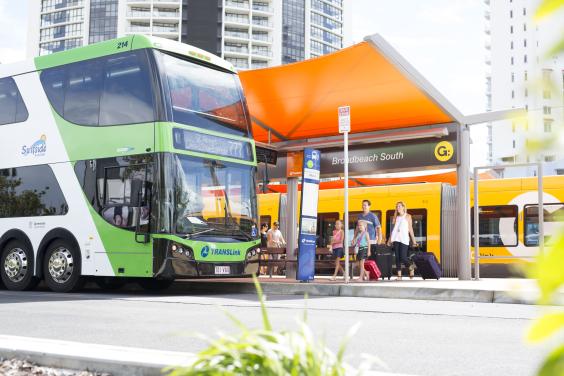
Combine two or more smaller trips into one overall journey and fare with easy transfer options.
go explore for visitors and tourists
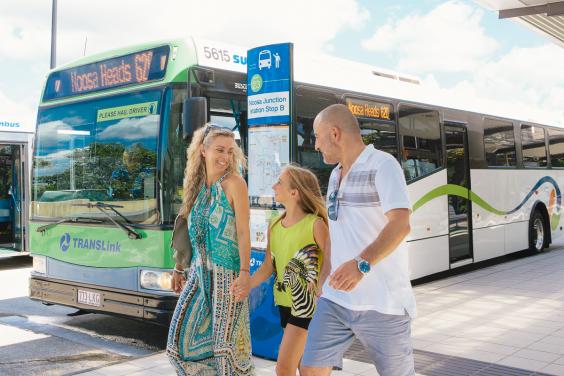
Explore South East Queensland with our go explore card.

go Business
For businesses, schools and organisations, we can help connect your people to places.